You can do a good part of this list yourself: look up who the domain is registered to, send a test message, open the site on your phone.
The speed targets, structured data and email records usually need whoever built or hosts the site.
Guide, updated 8 Nov 2026
Thirty things to check before a website goes live, or on the one you already have. Tick them as you go. Each one says who says so: Google, W3C, the ADA, the FTC, ICANN, or just us when it is only our advice.
By Ahmed Durić, founder of Worvik
Who says so
Every item says where it comes from.
01Short answer
The first three are Google's Core Web Vitals, which its ranking systems use. The last two are WCAG level AA from W3C. Google also says other page experience aspects do not directly help a site rank, so treat those as being for your visitors.
02Checklist
Tick what is already true. What is left is your to-do list. Tap a label to open its source.
The ADA applies to businesses open to the public. The Justice Department has no regulation with detailed web standards for them, and calls WCAG helpful guidance.
Your ticks stay in this browser. Nothing is sent to us.
03The pages
A small business website does not need many pages. It needs each one to have a job.
| Page | Its job | What it needs |
|---|---|---|
| Home | Say what you do and where, then send people to the right page | Your service and area in the headline, one main button, real proof |
| Service pages | Answer one search, for one service | What is included, who it is for, a starting price if you can publish one |
| About | Show who is behind the business | Real names, real photos, where you are based |
| Contact | Make it easy to reach you | A phone number you can tap, email, hours, a short form |
| Reviews | Show what customers said | Real reviews only, with a link to where they were posted |
| Privacy | Say what the site collects | What you collect, why, and how someone can ask you to delete it |
Our advice, not a rule. Google says there is no magical word count or number of headings, so the job of the page decides its length.
04Google says
Google Search does not use the keywords meta tag. If someone charges you to fill it in, ask why.
Google says there is no magical word count, minimum or maximum.
Same answer from Google: no ideal amount. Use as many as the page needs.
Google says they have hardly any effect beyond appearing in breadcrumbs. Pick a name people can remember.
Keyword stuffing is against Google's spam policies. Write the sentence the way you would say it.
05Good to know
You can do a good part of this list yourself: look up who the domain is registered to, send a test message, open the site on your phone.
The speed targets, structured data and email records usually need whoever built or hosts the site.
If you are paying someone for that, see what a website costs.
We put the published prices of 11 US agencies next to ours.
Every website we build includes the text, the phone design, the SEO setup, schema and a speed check.
It also includes basic accessibility checks, which is not a legal guarantee. Hosting and backups come with a care plan.
06Sources
Page date: not shown
Page date: not shown
Page date: not shown
Page date: not shown
Page date: not shown
Page date: not shown
Page date: not shown
Page date: not shown
Page date: 18 Mar 2022
Page date: 4 Oct 2026Minimum
Page date: 2 Nov 2026Minimum
Page date: not shown
Page date: Nov 2024
Page date: not shown
Page date: 19 Oct 2026
Page date: 28 Aug 2026
Every page opened on 8 Nov 2026. "Not shown" means the page carries no date. The FTC rule page was read partly as a summary. The items marked "Our advice" have no published rule behind them.
07Questions
A home page that says what you do and where, one page for each main service, an about page, a contact page and a privacy page. Then it has to work on a phone, load fast and be readable by Google. The list above goes through it item by item.
There is no official number. Count your main services and add three or four for home, about, contact and privacy. The number of pages also moves the price, as our cost guide shows.
The ADA applies to businesses open to the public, and the Justice Department's web guidance covers their websites. It has no regulation with detailed standards for them and calls WCAG helpful guidance. Ask a lawyer about your own case.
Google's targets are the main content on screen within 2.5 seconds, a reaction to a tap in under 200 ms, and a layout shift of less than 0.1. PageSpeed Insights measures all three for free.
If your site collects names or emails, we think so. California's CCPA only covers businesses over a size or data threshold, but other laws may apply where you operate. Ask a lawyer if you are not sure.
No. Your ticks stay in your own browser. We do not receive them.
No. It is what we read on 8 Nov 2026, with sources. Rules change.
08Explore
User-generated content, UGC ads and AI UGC, explained
Six formats, how they run, and what the numbers really say
52 opening lines from our samples, sorted into 10 types
Five beats, a fill-in template and four real scripts
Creator rates, add-ons and a calculator
Cost, speed and rights, side by side
Walkthroughs from photos, 3D fly-throughs and more, with examples
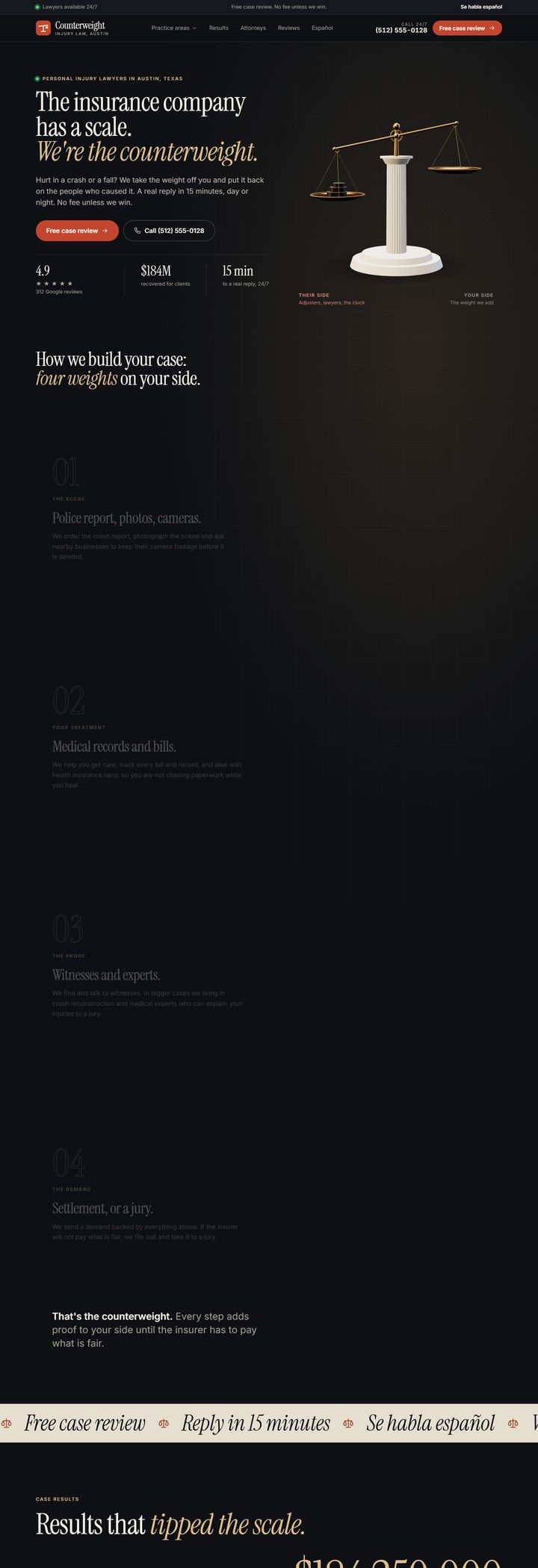
What the most-searched injury firms put on their homepages
A website worth up to $2,990, $0 to build and yours to keep. Hosting and care are free for the first month.
Get the $0 website

