Guide, updated 6 Nov 2026
Google Business Profile optimization, checked against Google.
Google Business Profile optimization means filling in your Google listing so you show up, and get picked, when people nearby search. We read six popular guides, listed the tips they share and checked each one against Google's own help pages. Six hold up, three are not on the Google pages we read, and two have changed.
By Ahmed Durić, founder of Worvik
- 6 guides read
- 11 tips checked
- Read 6 Nov 2026
Six guides, checked against Google
- Tips checked11
- Google backs6
- Have changed2
All read on 6 Nov 2026.
01Short answer
The short answer.
From Google's help pages and six popular guides, all read on 6 Nov 2026. Links are at the bottom of this page.
- What decides local rank
- Relevance, distance and prominence, says Google
- Can you pay for a better rank?
- No, says Google
- Popular tips Google backs
- 6 of the 11 we checked
- Features that changed
- Q&A and chat, still in most of the guides
- Never do this
- Ask only happy customers for reviews
02Checked
Eleven popular tips, and what Google says.
A tick means Google backs the tip on its own help pages. A dash means we did not find it there, which does not prove the tip is useless. A cross means the feature has changed.
Pick the right categories
6 of 6 guides
Google: Yes. Use the fewest that describe your core business.
Publish posts
6 of 6 guides
Google: Never says posts affect ranking.
Use the Q&A section
5 of 6 guides
Google: Mostly gone from public view in Maps. An Ask button took over.
Keep hours and details current
6 of 6 guides
Google: Yes. Complete, accurate info is more likely to show up.
Add photos
6 of 6 guides
Google: Yes, on its ranking tips page.
Ask customers for reviews
6 of 6 guides
Google: Yes. More reviews and good ratings can help. No rewards.
Reply to reviews
5 of 6 guides
Google: Yes, on its ranking tips page.
Verify the profile
4 of 6 guides
Google: Yes, first on its list.
Keep your business name the same across the web
4 of 6 guides
Google: Not on the help pages we read.
Put keywords in the description
3 of 6 guides
Google: Says nothing about keywords here. 750 characters, no links.
Turn on messaging
4 of 6 guides
Google: Its own chat ended in 2024. Now a text or WhatsApp link, in select regions.
03The checklist
Your Google Business Profile optimization checklist.
Claim and verify it
Google says verifying makes a business more likely to show up. If you change your name you might need to verify again, and if you move you must.
Use your real name
The name on your sign, with nothing added. Google does not allow extras such as taglines, phone numbers or locations in the name.
Pick the fewest categories that fit
Google asks for the fewest categories that describe your core business. Each one should finish the line "This business IS a". They are not a place for keywords.
Set your address or service area
P.O. boxes and virtual offices do not qualify. If customers do not come to you, hide the address and set a service area, generally no more than about 2 hours of driving from your base.
Fill in your hours and details
Use your regular customer-facing hours. Google says businesses with complete and accurate info are more likely to show up, so check them whenever something changes.
Write the description for people
Up to 750 characters, with no links or HTML. Google says to focus on the business, not on promotions, prices or sales.
Add real photos and video
Photos: JPG or PNG, 10 KB to 5 MB, and 720 by 720 pixels is the recommended size. Video: up to 30 seconds and 75 MB. Our walkthrough videos run about 15 seconds, so they fit.
Ask every customer for a review
Share a Google link or a QR code with everyone you serve, then reply to what comes in, good and bad. Google suggests short, relevant replies and a personal answer to a bad review.
04What not to do
Four things not to do.
Asking only happy customers
Google's policy says businesses may not "discourage or prohibit negative reviews, or selectively solicit positive reviews." The FTC says the same in plain words: do not ask only the customers you expect to be positive. Ask everyone.
Paying for reviews
Google calls rewards such as discounts or free goods "strictly prohibited", and its policy says that content will be removed.
Stuffing keywords into the name
In Whitespark's 2026 survey, experts ranked keywords in the business title third among local pack factors. Google still does not allow extras in the name, and StudioHawk lists it as a cause of suspensions.
Paying for rank
Google is plain about it: "There's no way to request or pay for a better local ranking on Google."
05Sources
Sources
- support.google.com
Google: tips to improve your local ranking
Page date: not shown
- support.google.com
Google: guidelines for representing your business
Page date: not shown
- support.google.com
Google: edit your Business Profile
Page date: not shown
- support.google.com
Google: photo and video requirements
Page date: not shown
- support.google.com
Google: posts on your Business Profile
Page date: not shown
- support.google.com
Google: tips for getting and replying to reviews
Page date: not shown
- support.google.com
Google Maps user contributed content policy
Page date: not shown
- support.google.com
Google: chat with customers from your Business Profile
Page date: not shown
- ftc.gov
FTC: soliciting and paying for online reviews
Page date: January 2022
- seroundtable.com
Search Engine Roundtable: Google removing Q&A for the Ask button
Page date: 15 Dec 2025
- ppc.land
PPC Land: Business Profile chat ends 31 July 2024
Page date: 28 May 2024
- whitespark.ca
Whitespark: Local Search Ranking Factors 2026, a survey of expert opinion
Page date: 6 Nov 2025Sells local SEO software
- brightlocal.com
BrightLocal: how to optimize a Google Business Profile
Page date: February 2025Sells local SEO software
- podium.com
Podium: Google Business Profile optimization
Page date: 20 Apr 2020Sells review and messaging software
- skedsocial.com
Sked Social: Google Business Profile guide
Page date: 15 Jul 2025Sells social media software
- localimpact.com
LocalImpact: Google Business Profile checklist
Page date: 13 Apr 2026Sells review software
- studiohawk.com.au
StudioHawk: Google Business Profile guide
Page date: 17 Nov 2025Sells SEO services
- eseospace.com
eSEOspace: Google Business Profile optimization
Page date: 8 Dec 2025Sells SEO services
Every page opened on 6 Nov 2026. Google changes these pages without notice, so check them before you rely on a detail. Most of the guides come from companies that sell local SEO or review tools, and we sell local SEO too.
06Questions
Straight answers.
01What is Google Business Profile optimization?
Filling in and looking after your Google listing so it matches what people search for and gives them a reason to pick you. Google says local results depend on relevance, distance and prominence.
02How often should I post on my Google Business Profile?
When you have news. Six guides tell you to post, some of them weekly, but the Google pages we read never say posts affect ranking. They do say posts older than 6 months are archived.
03How many categories should I use?
Google asks for the fewest that describe your core business, and its guidelines set no fixed number. Start with one that finishes the line "This business IS a".
04How long until it works?
The Google pages we read give no timeline. They do say edits are reviewed before they go live. Be careful with anyone who promises a date.
05Can you do this for me?
Yes. Setting up and optimizing the profile is part of our Business and Premium websites. Keeping it up to date, with review requests to every customer, is part of Local Growth at $295 a month.
06How did you check the tips?
We read six guides that came up in search for this topic on 6 Nov 2026, listed the tips they share, and looked for each one on Google's help pages. WordStream refused our visit, and we left out one short sales page. A dash only means we did not find it on those pages.
07Explore
More guides.
What is UGC?
User-generated content, UGC ads and AI UGC, explained
UGC ads
Six formats, how they run, and what the numbers really say
TikTok hooks
52 opening lines from our samples, sorted into 10 types
UGC script template
Five beats, a fill-in template and four real scripts
How much does UGC cost?
Creator rates, add-ons and a calculator
AI UGC vs creator UGC
Cost, speed and rights, side by side
Real estate video ideas
Walkthroughs from photos, 3D fly-throughs and more, with examples
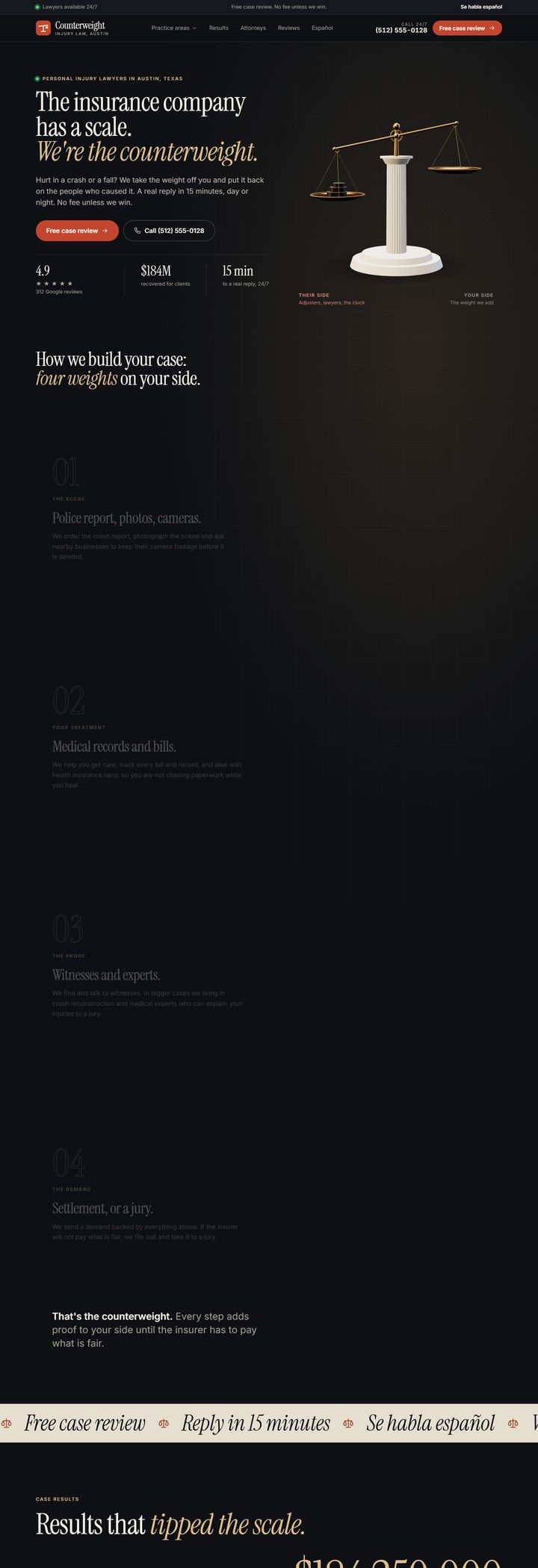
Best law firm websites
What the most-searched injury firms put on their homepages
A website and a Google profile set up to work together. $0 to build, and yours to keep.
Get the $0 website

